Creating an Account
To begin using Première Copilot, you must first create a user account.1
Navigate to the website
Go to the Première Copilot website.
2
Start the process
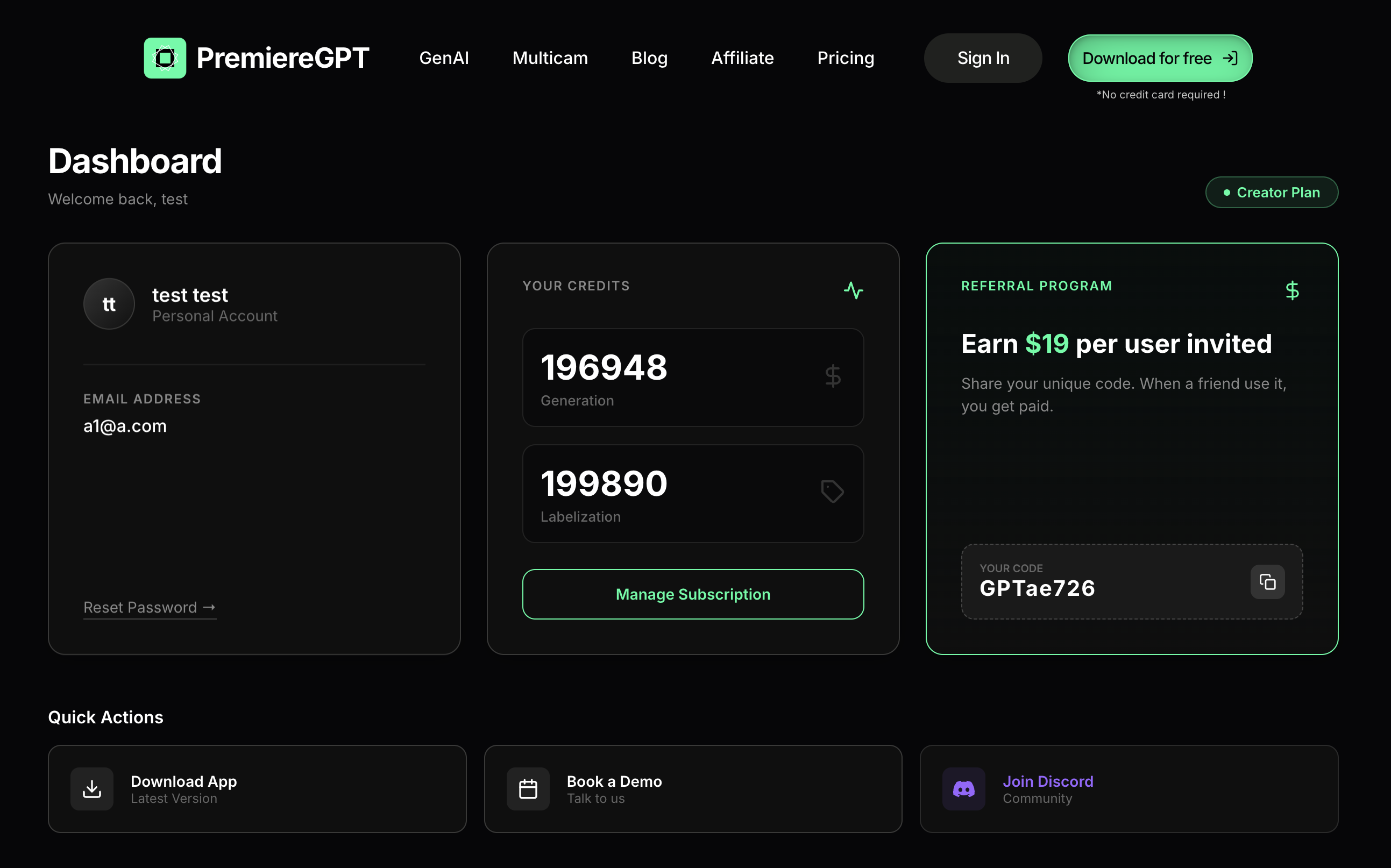
Click on the “Download for free” button located at the top right of the page.
3
Enter details
Fill out the form with your first name, last name, and other required details.
4
Sign up
Click “Sign up”.
5
Verify email
Verify your email: Go to your inbox and validate your account by clicking the confirmation link.
Note: Upon signing up, you will receive a promo code to purchase the “Podcast” plugin at a discounted rate.
Accessing the Dashboard
Once verified, return to the website and click “Sign in” to access your dashboard. From here, you can:Download App
Download the latest version of the application.
Book a Demo
Schedule a demo to learn more features.
Join Discord
Join our community on Discord.
Affiliate Code
Access your promo code for referrals.