
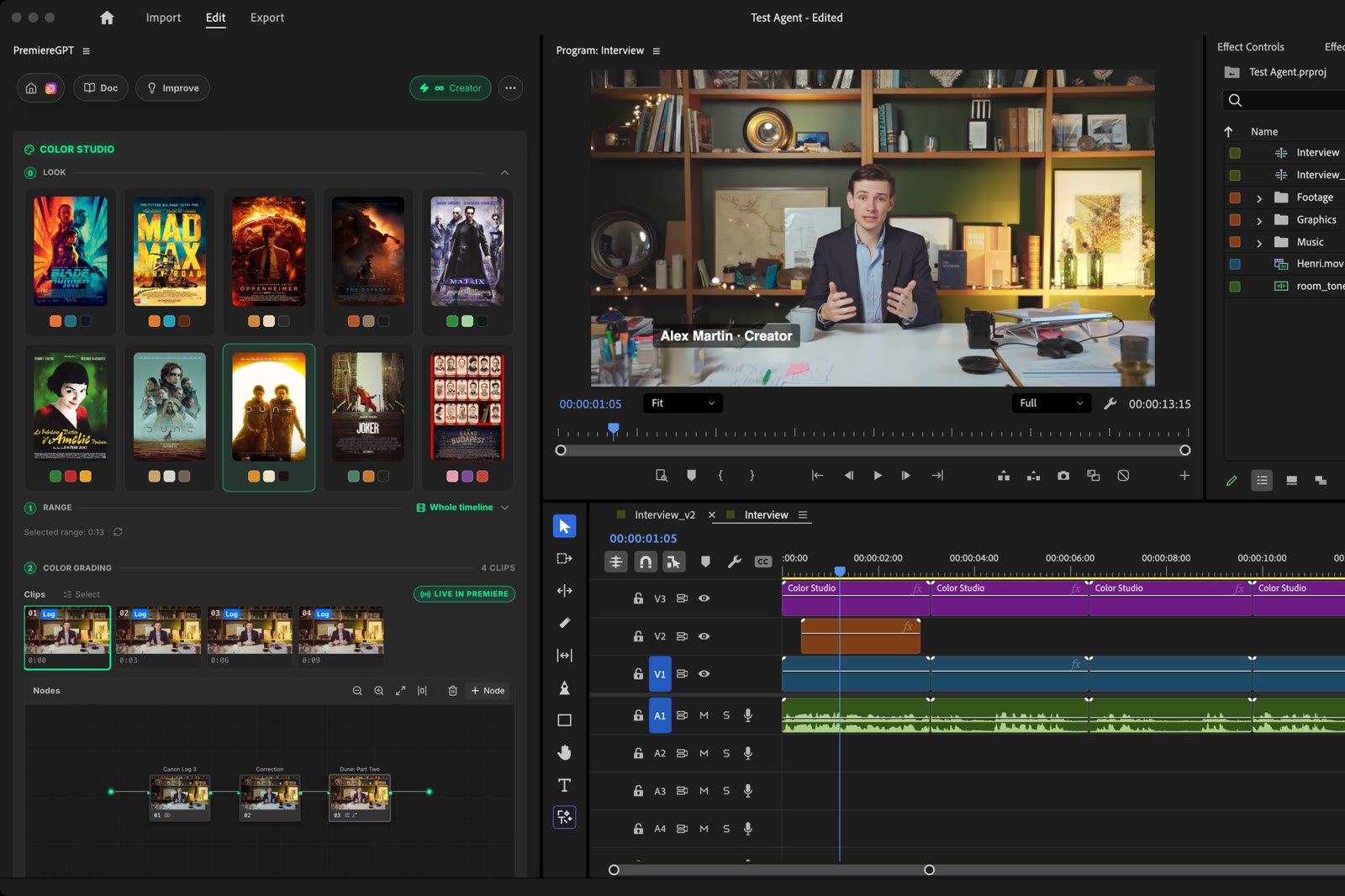
Color Studio grading room with nodes, color wheels and scopes next to a graded interview
Color Studio is a free grading room for your timeline. It is the grading room of Auto Color without the AI: you grade by hand, with nodes, primaries, wheels, curves and scopes, and you can start from one of 33 film looks. No credits, no limit. Works in Premiere Pro. In DaVinci Resolve, the Color page already does this job: Auto Color writes its grade there as native nodes.

Quick Start

1

Open the tool

Open the Tools Menu and select Color Studio.
2

Choose the range

Whole timeline, In / Out, or Selected clips. The grading room loads right away: one thumbnail per source, Log already converted.
3

Start from a film (optional)

Click a film poster in step 0 · Look: a look node is added to the selected clips.
4

Grade

Pick a node, open a palette and adjust. In Premiere Pro, every change shows live in the Program Monitor.

Film looks
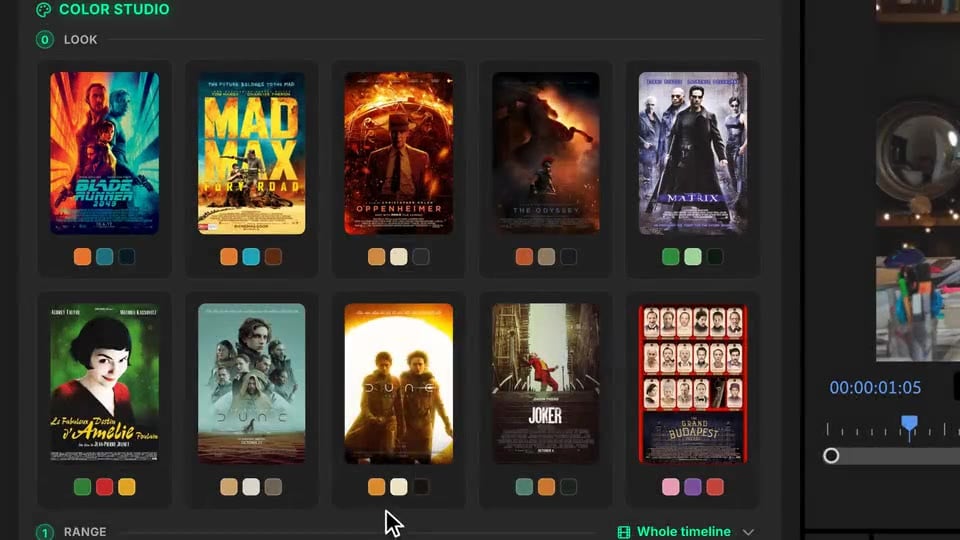
Clicking a film poster adds its look node and grades the interview
Click one of the 33 posters, from Blade Runner 2049 to Midsommar: a look node is added to the selected clips (or to the active clip). The look is calibrated on each image and skin tones are protected.
  • Click another film to swap the look: only the look node changes, your own corrections stay.
  • Click the same film again to remove it.
  • Use Select in the clip strip to apply a look to several clips at once.

The grading room
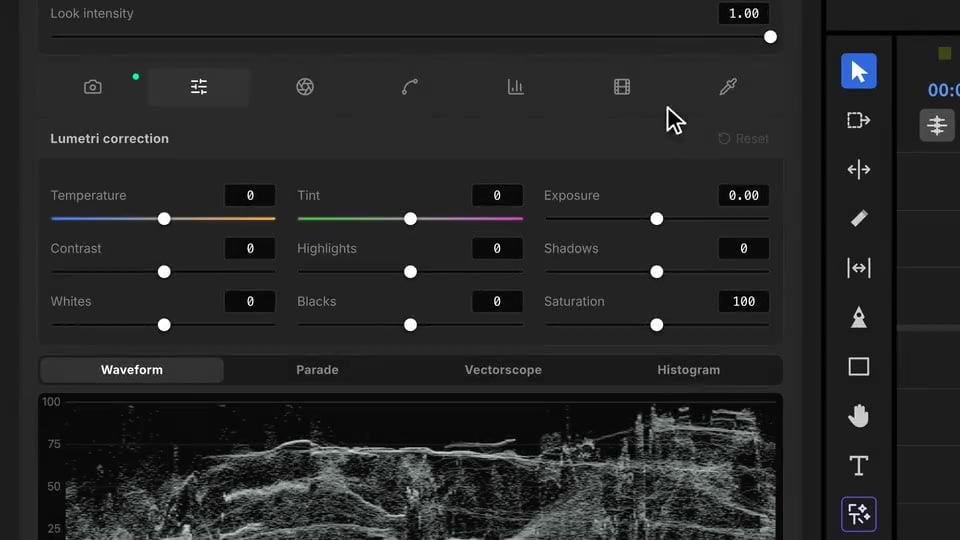
Adjusting wheels and curves in Color Studio while the monitor follows

Palettes

Log footage

Color Studio reads the camera and its Log profile in each file (Sony S-Log3, Canon C-Log, Panasonic V-Log, and many more) and converts it to Rec.709 in the first node.
  • Click the LUT node’s number to turn the conversion off, or delete the node.
  • + LUT in the node bar adds it back, and the LUT tab lets you pick another profile.

Where the grade goes

On adjustment layers above your clips, with Lumetri. Every change is sent live to the Program Monitor.
Want the AI to grade the whole timeline and choose a film look for each shot? Use Auto Color.

Need help?

Join us on Discord or write to admin@premierecopilot.com.