Downloading the App
1
Log in
Log in to your Première Copilot Account.
2
Download
Click the “Download App” button.
3
Select OS
Select the correct installer for your operating system:
- Windows
- Mac Intel (Older models)
- Mac Silicon (M1, M2, M3, M4 chips) — Please ensure you select the correct architecture.
Installing the Software
1
Unzip
Unzip the downloaded file.
2
Run Installer
Run the installer. This will install Première GPT in the correct directory.
3
Restart
Restart Adobe Premiere Pro. It is also recommended, though not mandatory, to restart your computer.
Initializing the Extension
1
Open Premiere Pro
Open Adobe Premiere Pro.
2
Open Extension
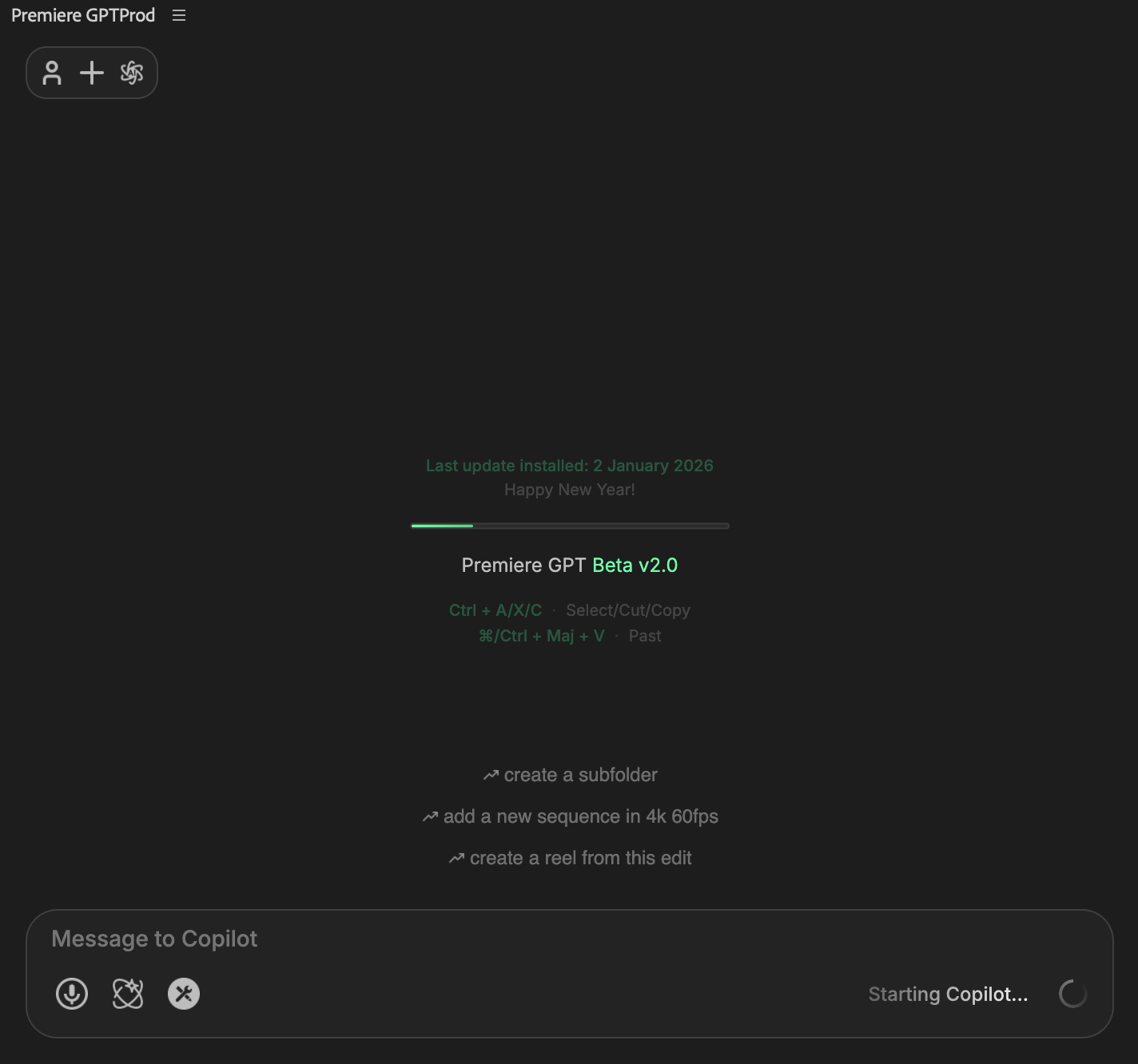
Go to Window > Extensions > Première GPT Beta.
3
Log In
Log in using the same credentials created on the website.
4
First Launch
First Launch: If this is your first time starting the extension, allow 1–2 minutes for the backend engine to initialize. Subsequent launches will be much faster.