> ## Documentation Index
> Fetch the complete documentation index at: https://docs.premierecopilot.com/llms.txt
> Use this file to discover all available pages before exploring further.
# Installation & Setup
> Download, install and initialize Première Copilot on your system.
## Downloading the App
Log in to your **Première Copilot Account**.
Click the **"Download App"** button.
Select the correct installer for your operating system:
* **Windows**
* **Mac Intel** (Older models)
* **Mac Silicon** (M1, M2, M3, M4 chips) — *Please ensure you select the correct architecture*.
## Installing the Software
**Unzip** the downloaded file.
**Run the installer**. This will install Première GPT in the correct directory.
**Restart Adobe Premiere Pro**. It is also recommended, though not mandatory, to restart your computer.
**Security Disclaimer:** You may receive a virus alert from Windows or Mac security. This is a false positive caused by the software being new and not yet fully whitelisted by manufacturers. The software is safe. Please authorize the application in your security settings to proceed.
## Initializing the Extension
Open Adobe Premiere Pro.
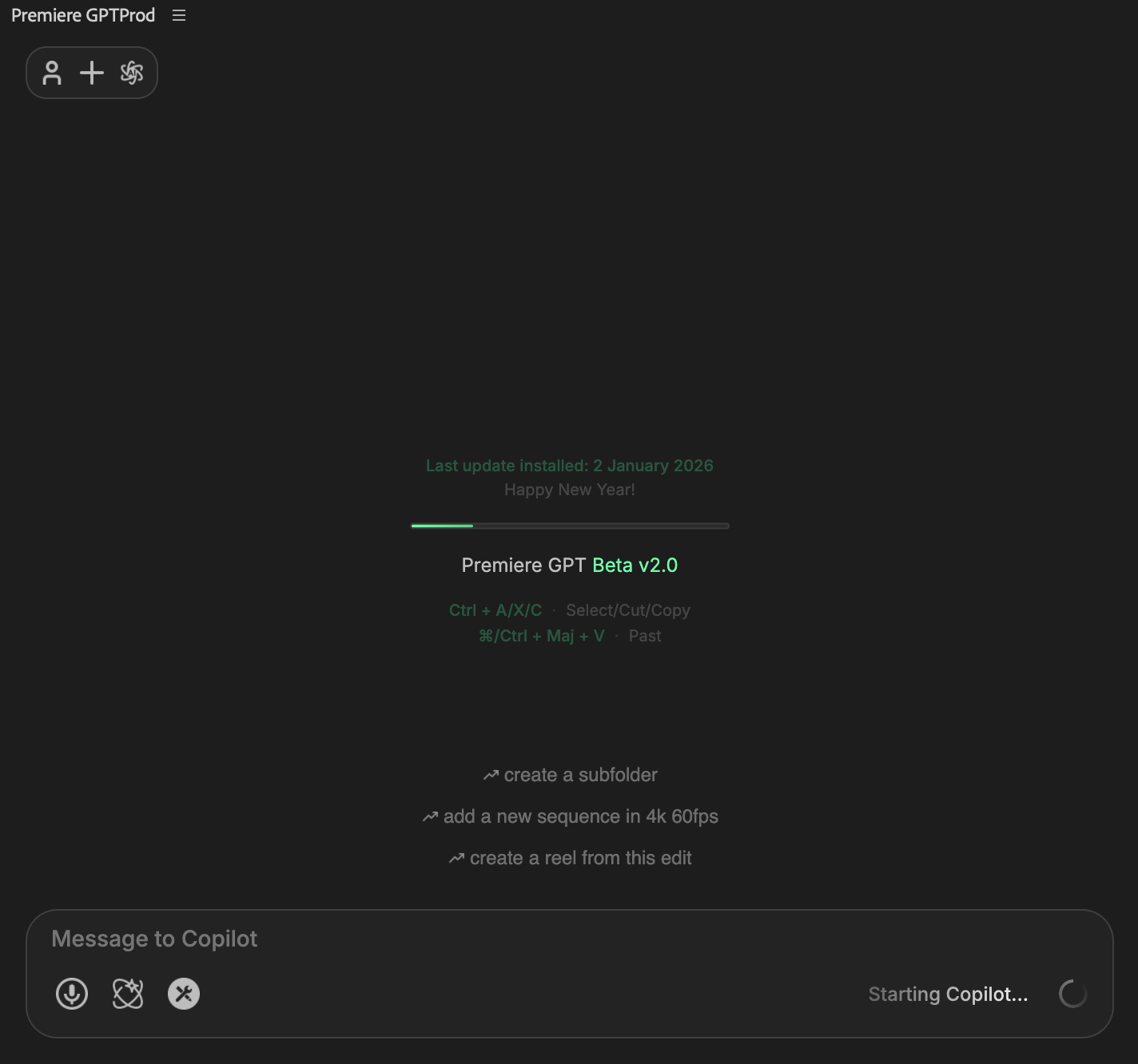
Go to **Window > Extensions > Première GPT Beta**.
**Log in** using the same credentials created on the website.
**First Launch:** If this is your first time starting the extension, allow 1–2 minutes for the backend engine to initialize. Subsequent launches will be much faster.