> ## Documentation Index
> Fetch the complete documentation index at: https://docs.premierecopilot.com/llms.txt
> Use this file to discover all available pages before exploring further.
# Create an Account
> Get started with Première Copilot by creating your account and accessing the dashboard.
## Creating an Account
To begin using Première Copilot, you must first create a user account.
Go to the [Première Copilot website](https://premierecopilot.com).
Click on the **"Download for free"** button located at the top right of the page.
Fill out the form with your first name, last name, and other required details.
Click **"Sign up"**.
**Verify your email:** Go to your inbox and validate your account by clicking the confirmation link.
**Note:** Upon signing up, you will receive a promo code to purchase the "Podcast" plugin at a discounted rate.
## Accessing the Dashboard
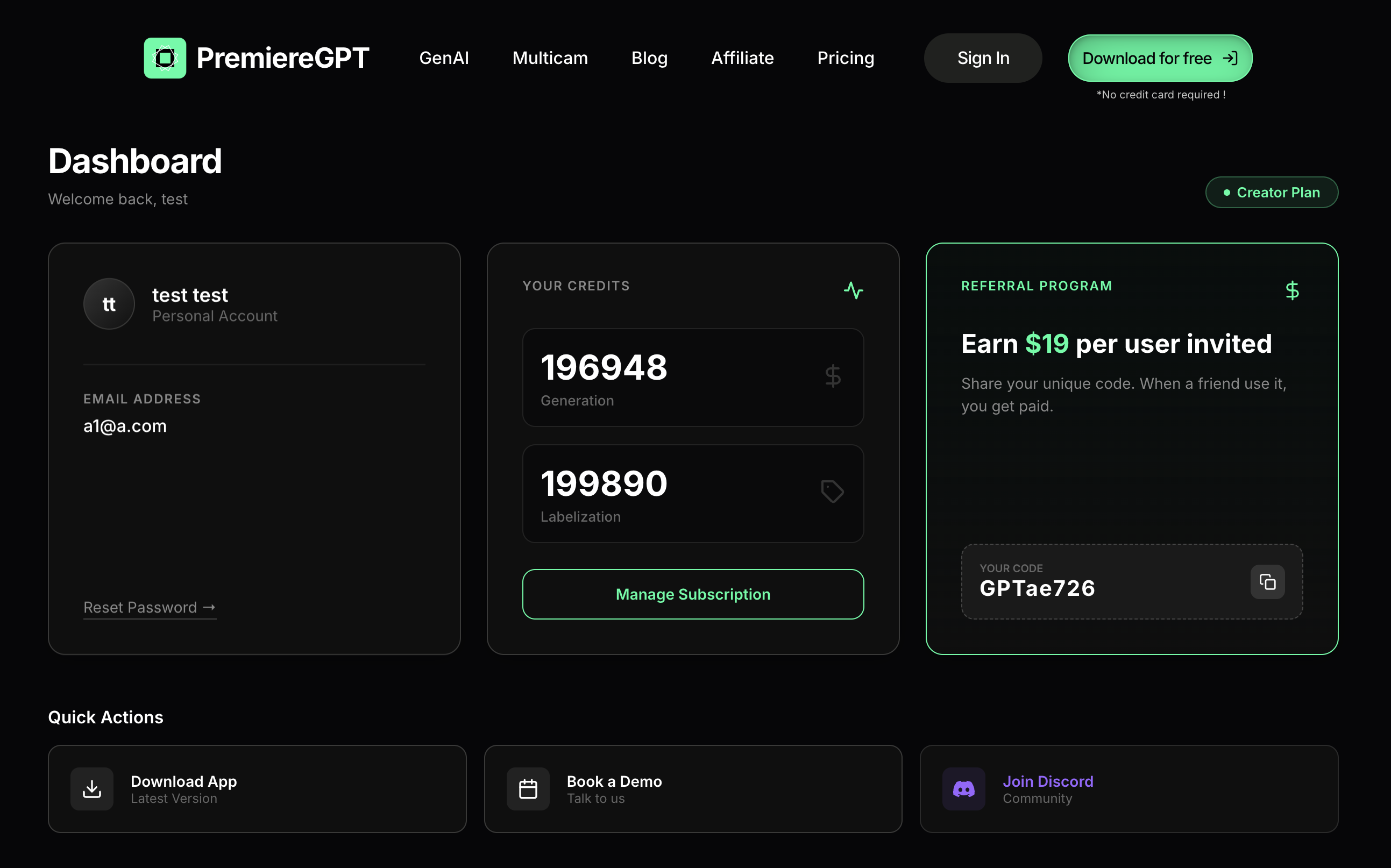
Once verified, return to the website and click **"Sign in"** to access your dashboard. From here, you can:
Download the latest version of the application.
Schedule a demo to learn more features.
Join our community on Discord.
Access your promo code for referrals.